Around one in four older adults reports a fall each year, according to the U.S. Centers for Disease Control and Prevention, and falls remain one of the biggest reasons aging adults lose independence at home. That is why Apple Watch fall detection keeps showing up in conversations about aging in place, remote caregiving, and health-focused wearable technology.
Key Takeaways: Apple Watch fall detection uses motion sensors, a gyroscope, and an accelerometer to identify impact patterns that may match a hard fall. If the wearer does not respond, the watch can contact emergency services and alert emergency contacts, making it one of the most practical passive safety tools for older adults living alone.
For families supporting elderly parents who want to stay in their own homes, the real question is not whether a smartwatch can replace human care. It cannot. The better question is whether Apple Watch adds a meaningful safety layer between a fall and a delayed emergency response.
The short answer: in the right setup, yes. But its value depends on model choice, cellular access, contact settings, wearing habits, and understanding where the technology works well and where it does not.

Why fall detection matters for older adults at home
Living alone can preserve dignity, routine, and comfort, yet it also increases the risk that a fall goes unnoticed. Mayo Clinic notes that delayed medical attention after a fall can worsen outcomes, especially when dehydration, head injury, or immobility follows.
That is where passive detection technology stands out. Unlike emergency pendants that require the user to press a button, Apple Watch attempts to recognize a hard fall automatically.
For elderly parents who may forget to carry a phone from room to room, a wrist-worn device can be more practical than app-only monitoring. It stays on the body, runs in the background, and does not require the user to remember a complex workflow in a stressful moment.
How Apple Watch fall detection actually works
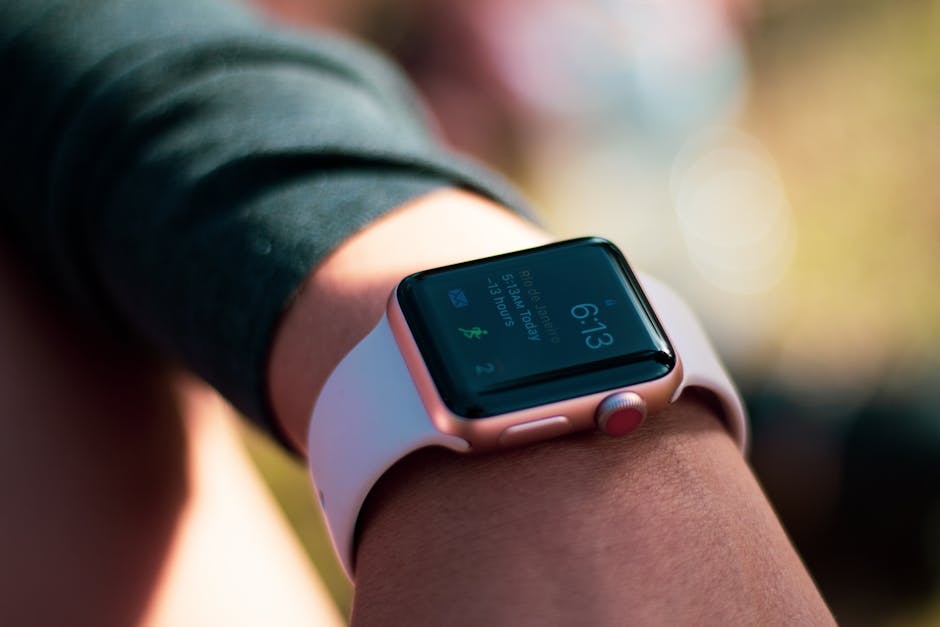
Apple says fall detection relies on the watch’s accelerometer and gyroscope to measure wrist trajectory and impact acceleration. The system looks for movement patterns consistent with a hard fall, then analyzes whether the wearer moved afterward.
If the watch believes a serious fall occurred, it sends an alert and sounds a tap-based alarm on the wrist. The user sees options to confirm they are okay, indicate they fell but do not need emergency help, or trigger emergency services.
If the wearer remains immobile for about a minute, the watch starts a countdown and can automatically call emergency services. It can also send a message with the wearer’s location to emergency contacts.
This design matters for older adults because confusion after a fall is common. A person may be conscious but disoriented, unable to reach a landline, or too shaken to unlock a phone and navigate an app. Automation reduces the number of steps between incident and response.
What signals the watch uses
- Impact force: Sudden acceleration and deceleration patterns
- Orientation change: Wrist angle shifts that look like a collapse
- Post-fall inactivity: Limited movement after impact
- User response: Whether the wearer taps the screen or dismisses the alert
That does not mean every fall is caught or every alert is correct. Wearables infer events from sensor data. They do not “see” what happened the way a camera or in-home monitor might.

Which Apple Watch models support fall detection
Fall detection is available on Apple Watch Series 4 and later, Apple Watch SE, and Apple Watch Ultra models. That gives families a broad price range, from lower-cost SE options to premium Ultra devices.
| Feature | Apple Watch SE (2nd gen) | Apple Watch Series 9 | Apple Watch Ultra 2 |
|---|---|---|---|
| Fall Detection | Yes | Yes | Yes |
| Crash Detection | Yes | Yes | Yes |
| Battery Life | Up to 18 hours | Up to 18 hours | Up to 36 hours |
| GPS | GPS / GPS + Cellular | GPS / GPS + Cellular | Precision dual-frequency GPS + Cellular |
| Water Resistance | 50 meters | 50 meters | 100 meters |
| Dust Resistance | No IP6X rating listed | IP6X | MIL-STD 810H + EN13319 |
| Starting Price Range | Lower | Mid to premium | Premium |
For seniors living alone, the most relevant spec is often battery life, not display brightness or workout metrics. A watch that dies before bedtime cannot help in an emergency.
That is one reason reviewers at outlets like Wirecutter and PCMag often emphasize fit-for-purpose buying rather than simply recommending the newest model. For this use case, dependable charging habits and emergency connectivity matter more than advanced training analytics.
How emergency calling works after a hard fall
Apple Watch fall detection becomes most useful when paired with the right emergency setup. The watch can call emergency services directly if it has a cellular connection or if it is near the paired iPhone and can use that connection.
For parents living alone, a cellular Apple Watch is often the safer choice. If the phone is in another room, downstairs, or out of battery, the watch may still be able to place the emergency call on its own.
| Setup Factor | Why It Matters | Best Option for Seniors Alone |
|---|---|---|
| Connectivity | Needed for emergency calls and contact alerts | GPS + Cellular |
| Battery | Protection disappears when the watch is off | Daily charging routine |
| Emergency Contacts | Lets family know a fall may have happened | 2-4 trusted contacts |
| Medical ID | Shares critical health details with responders | Fully completed profile |
| Wearing Consistency | No detection if not worn | Comfortable band, simple routine |
Apple also ties fall detection into Medical ID and the Health app. If emergency services are contacted, responders may have quicker access to information such as age, allergies, medications, or emergency contacts, depending on device state and setup.
That ecosystem approach is a major advantage over basic fitness trackers. Many trackers monitor activity and heart rate, but not all of them provide the same emergency escalation path.
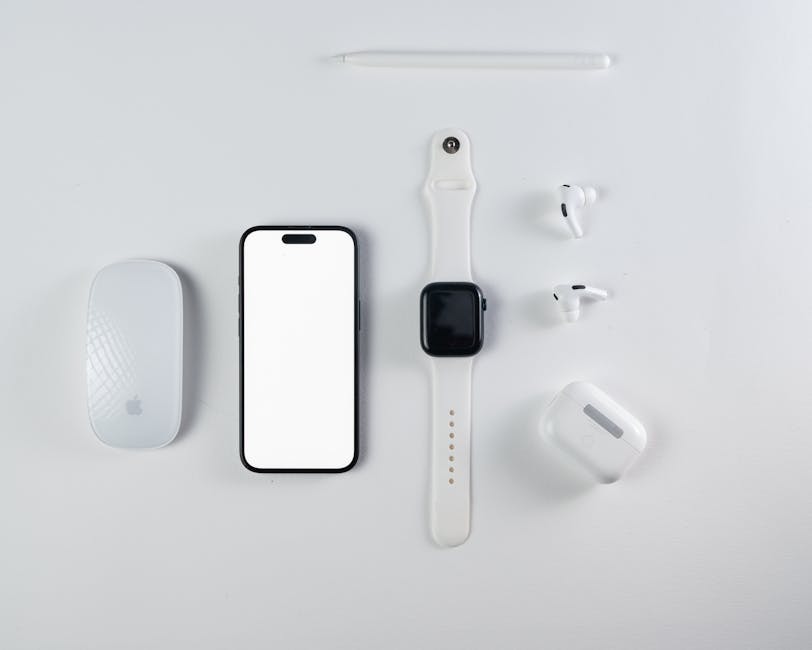
Accuracy, false alarms, and real-world limits
This is where careful analysis matters. Fall detection is valuable, but it is not flawless. Apple itself states the feature cannot detect all falls, and physically active wearers may sometimes trigger a false alert during high-impact movement.
NIH-supported research on fall detection technology generally shows a familiar tradeoff: systems that catch more true falls may also generate more false positives. In other words, the more sensitive the system, the more often it may occasionally misread abrupt motion.
That is especially relevant in two cases:
- Very low-activity users: a subtle slide from bed or a slow collapse may be harder to classify than a dramatic hard fall
- Higher-motion users: brisk exercise, sudden arm movements, or dropping onto furniture may trigger alerts
Apple tries to balance that by turning on fall detection automatically for users over a certain age during setup, while also using mobility and age-related assumptions to tune the feature. Still, families should treat it as a backup safety system, not a guarantee.
GPS accuracy also matters after an alert. Standard Apple Watch GPS is generally strong for consumer wearables, while Ultra models add dual-frequency GPS for better positioning in difficult environments. Indoors, however, location precision can still vary based on Wi-Fi, walls, and carrier conditions.
What elderly parents need for fall detection to work well
The technology is only as effective as the setup behind it. For older adults living alone, the most important success factors are practical, not technical.
Essential setup checklist
- Enable Fall Detection in the Watch or Health settings
- Choose a cellular model if the parent may be away from the iPhone indoors
- Add emergency contacts who will reliably answer calls or messages
- Fill out Medical ID with medications, allergies, and conditions
- Use an easy-to-wear band so the watch stays on consistently
- Build a charging habit at the same time each day
Comfort is underrated here. A watch that feels bulky, pinches the wrist, or needs frequent charging is more likely to be left on a nightstand. That is why the Apple Watch SE often makes more sense than a premium model for this audience: lower cost, familiar interface, and the same core fall detection feature.
Families should also test the alert flow together. Not by staging a dangerous fall, but by reviewing what the screen looks like, what the countdown sounds like, and what happens when emergency contacts receive a notification.
Apple Watch vs other senior safety tools
Apple Watch is not the only option for older adults living alone. Medical alert pendants, smart speakers with emergency features, and some dedicated senior wearables also compete in this space.
| Category | Apple Watch | Medical Alert Pendant | Basic Fitness Tracker |
|---|---|---|---|
| Automatic Fall Detection | Yes, supported models | Often yes on premium plans | Rare or limited |
| Emergency Calling | Yes, with cellular or phone connection | Usually yes | Usually no |
| Health Features | Heart rate, ECG on select models, activity, location | Limited | Activity-focused |
| Battery Life | 18-36 hours | Often days to weeks | Several days to weeks |
| Ease of Use | Moderate | Often simpler | Simple to moderate |
| Price Structure | Upfront device + possible cellular plan | Often monthly subscription | Lower upfront cost |
The biggest advantage of a dedicated medical alert system is simplicity. The biggest advantage of Apple Watch is breadth: safety features plus communication, health metrics, reminders, and family integration.
That makes Apple Watch a strong choice for seniors who are still comfortable with basic technology and for families already using iPhones. It is a weaker fit for someone who resists charging devices or struggles with touchscreens.
Who should consider Apple Watch fall detection for aging in place
Apple Watch fall detection is a smart option for elderly parents living alone if they are mobile enough to wear a watch daily, open to learning a simple device routine, and either own an iPhone or can be supported through Apple’s setup ecosystem.
It is especially useful for:
- Older adults with a prior fall history
- Parents who live alone and spend time without nearby check-ins
- Families who want location sharing and emergency notifications in one device
- Seniors who dislike the stigma of a medical alert pendant
It may be less ideal for:
- Adults with advanced cognitive impairment who may remove or ignore the device
- Users unwilling to charge it regularly
- Households without iPhone compatibility
- People who need a multi-day battery above all else
From a health technology review perspective, Apple Watch stands out because it blends safety, communication, and mainstream consumer appeal. It does not feel like a single-purpose medical gadget, which can improve adoption for some users.
This is informational content, not medical advice.
FAQ
Does Apple Watch call 911 automatically after every fall?
No. It first alerts the wearer and gives them a chance to respond. If the watch detects a hard fall and the user appears immobile, it can begin an emergency call countdown and contact emergency services.
Is a cellular Apple Watch necessary for seniors living alone?
Not always, but it is often the better choice. A GPS-only model may depend on the nearby iPhone for calling, while a cellular model can place emergency calls independently in more situations.
Can Apple Watch detect all falls accurately?
No wearable can guarantee perfect detection. Apple notes that not all falls will be detected, and some high-impact motions may trigger false alerts.
What Apple Watch is best for elderly parents mainly needing fall detection?
For many families, Apple Watch SE offers the best value because it includes fall detection and emergency features at a lower price than flagship models. If longer battery life is a priority, Ultra models may be worth considering, though they are bulkier and far more expensive.
Sources referenced: Mayo Clinic guidance on falls and aging, NIH and related fall-detection research summaries, Apple product documentation, Wirecutter wearable buying analysis, and PCMag smartwatch testing and spec coverage.
📌 You May Also Like