


Surprising Facts About Falls Among the Elderly
According to the Centers for Disease Control and Prevention (CDC), one in four Americans aged 65 and older falls each year, leading to serious injuries and hospitalizations. These accidents are a leading cause of fatal and nonfatal injuries in this age group, making fall prevention and timely response critical. For elderly parents living alone, the risk is compounded by potential delays in receiving help after a fall.
Key Takeaways:
- Apple Watch fall detection uses advanced sensors to identify falls and automatically contacts emergency services.
- It helps elderly users living independently by providing immediate alerts and SOS features.
- Understanding its functionality and limitations is key to maximizing safety benefits.

The Problem: Falls and Delayed Emergency Response
Falls among elderly individuals often happen without witnesses, especially when living alone. The inability to quickly summon help can worsen outcomes, increasing the risk of complications from prolonged immobility. Traditional alert systems require the user to press a button or carry a pendant, which may be forgotten or out of reach during an accident.
This creates a critical need for technology that can detect falls automatically and initiate emergency response without user action.
Okay, this one might surprise you.

How Apple Watch Fall Detection Works
Apple Watch Series 4 and newer models incorporate a fall detection feature using a combination of accelerometer and gyroscope sensors. These sensors measure wrist trajectory and impact acceleration to detect when a hard fall occurs.
- Detection Algorithm: The watch analyzes sudden wrist movements and impact patterns consistent with a fall.
- Response Mechanism: When a fall is detected, the watch taps the user on the wrist, sounds an alarm, and displays an alert.
- User Interaction: The wearer can choose to contact emergency services or dismiss the alert if uninjured.
- Automatic Emergency Call: If the wearer is immobile for about one minute after the alert, the watch automatically calls emergency services and sends a message with the user’s location to designated emergency contacts.
This technology is designed specifically to aid elderly users who may be incapacitated and unable to summon help manually.
This is the part most guides skip over.

Why Fall Detection on Apple Watch Works Well for Elderly Living Alone
Several factors contribute to the effectiveness of Apple Watch fall detection for older adults living independently:
- Immediate Alerts: The tactile and audible alert can wake or notify users quickly.
- Hands-Free Emergency Call: Automatic dialing after immobility removes the need for user input.
- Location Sharing: GPS coordinates are sent to emergency contacts, speeding up response.
- Integration with Health App: Caregivers can monitor health data remotely, improving oversight.
These features reduce the risks associated with living alone by ensuring help is summoned without relying on the user’s ability to act.
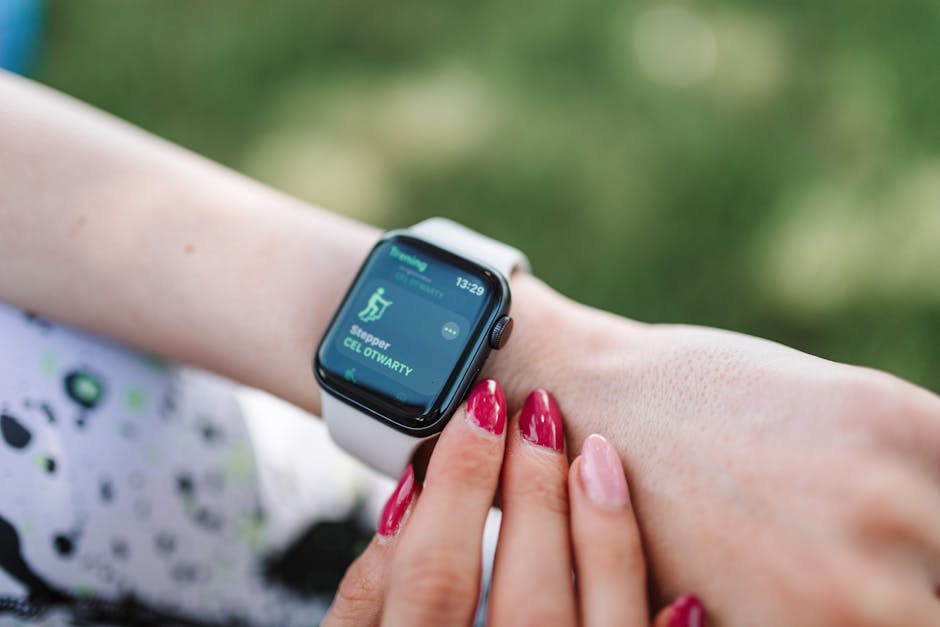
How to Set Up and Optimize Apple Watch Fall Detection
Proper setup enhances reliability and user experience. Here’s how to implement and optimize fall detection for elderly parents:
- Enable Fall Detection: In the Watch app on the paired iPhone, go to Emergency SOS and toggle on Fall Detection. The watch will ask for age confirmation; it activates automatically for users 55 and older.
- Emergency Contacts: Add trusted contacts via the Health app under Medical ID so they receive alerts during emergencies.
- Familiarize the User: Explain how the alert system works and how to respond if a false alarm occurs.
- Regular Charging: Ensure the watch is charged daily to maintain continuous protection.
- Test the Feature: Perform a controlled fall detection test if possible (per Apple’s guidelines) to confirm functionality.
Limitations and Considerations
While highly effective, Apple Watch fall detection is not infallible. Users and caregivers should be aware of these points:
- False Positives: Some vigorous activities may trigger false fall alerts.
- False Negatives: Very slow or unusual falls might not be detected.
- Battery Dependency: If the watch battery dies, fall detection is unavailable.
- Wrist Placement: The watch must be worn snugly on the wrist for accurate sensor readings.
- Cellular vs GPS Models: Cellular Apple Watches can call emergency services independently; GPS-only models require a paired iPhone nearby.
Stick with me here — this matters more than you’d think.
Alternative and Complementary Solutions
For enhanced safety, consider combining Apple Watch fall detection with other tools:
- Medical Alert Systems: Devices like Life Alert offer dedicated fall detection and emergency call features.
- Home Sensors and Cameras: Smart home devices can monitor movement and detect unusual inactivity.
- Caregiver Check-ins: Scheduled calls or visits supplement tech-based monitoring.
Summary: How Apple Watch Fall Detection Supports Elderly Independence
| Feature | Details |
|---|---|
| Detection Technology | Accelerometer and gyroscope sensors |
| Alert Type | Vibration, sound, on-screen notification |
| Emergency Call | Automatic after 1 min immobility |
| Location Sharing | Sent to emergency contacts |
| Battery Life Impact | Minimal, but daily charging recommended |
| Best For | Elderly living alone with independent mobility |
Frequently Asked Questions
Does Apple Watch fall detection work if the user is unconscious?
Yes. If the watch detects a fall followed by immobility, it will automatically call emergency services without requiring user interaction.
Can fall detection be turned off or customized?
Yes, users can disable the feature or adjust settings in the Watch app under Emergency SOS.
Is cellular connectivity required for fall detection to work?
Fall detection alerts appear on the watch regardless, but automatic emergency calls require either a cellular Apple Watch or a paired iPhone nearby.
How accurate is Apple Watch fall detection?
Studies, such as those reviewed by PCMag and Wirecutter, indicate high accuracy for typical falls but acknowledge some false positives during vigorous activities.
This is informational content, not medical advice.
📌 You May Also Like
🔍 Explore More Topics
🔗 Helpful Resources