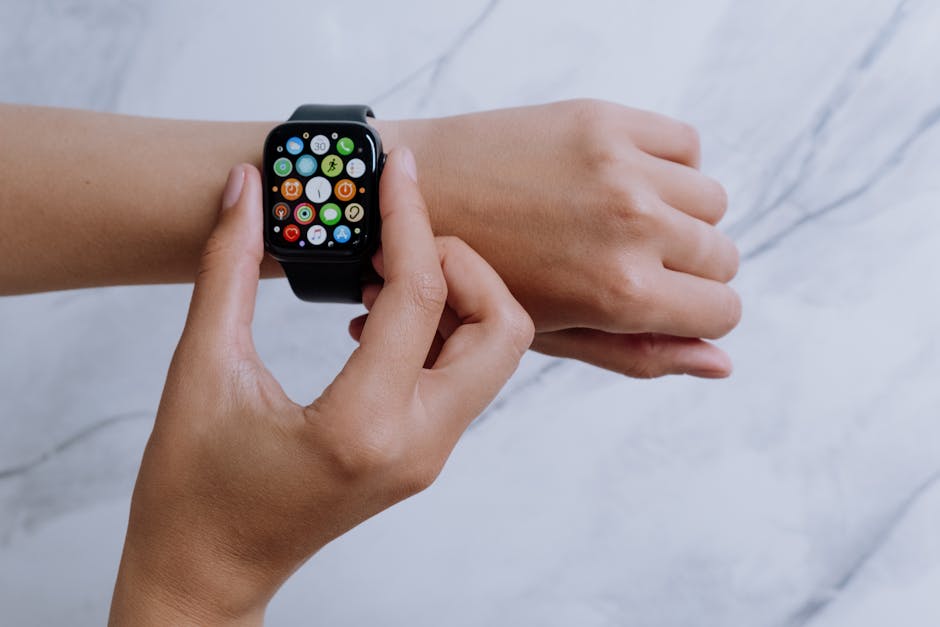

TL;DR:
- Withings ScanWatch 2 excels in long battery life and medical-grade sensors.
- Apple Watch offers real-time alerts and comprehensive app ecosystem.
- Choose ScanWatch 2 for clinical-grade health tracking with longer battery life.
- Pick Apple Watch for dynamic fitness coaching and seamless iOS integration.
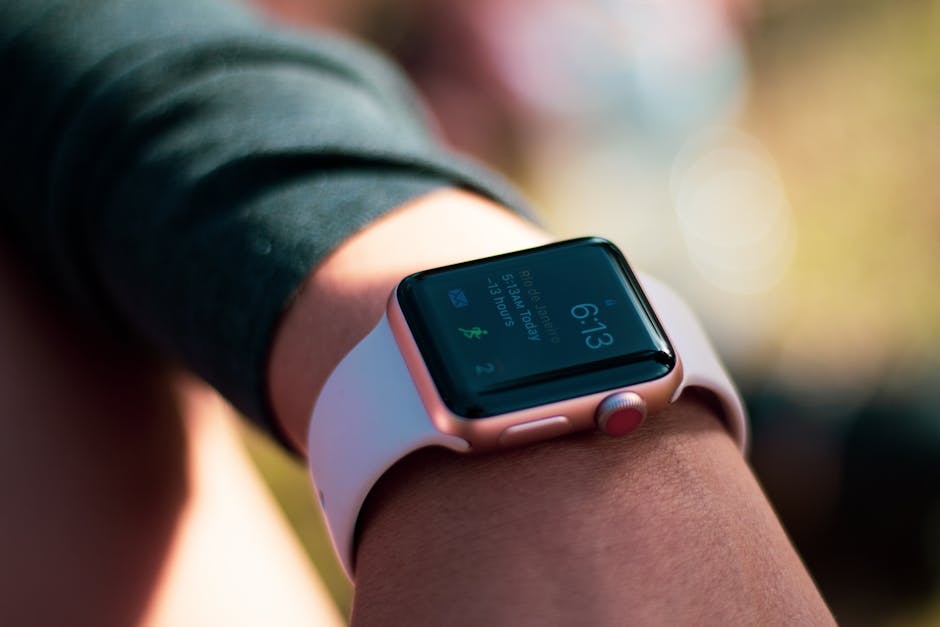
Quick Verdict
The Withings ScanWatch 2 and Apple Watch both deliver strong health-monitoring capabilities but cater to different user priorities. ScanWatch 2 prioritizes clinical accuracy and battery endurance with ECG and SpO2 sensors, while Apple Watch focuses on real-time notifications, fitness tracking, and an extensive app library. Your choice depends on whether you want a traditional watch form with medical-grade metrics or a smartwatch packed with interactive health tools.
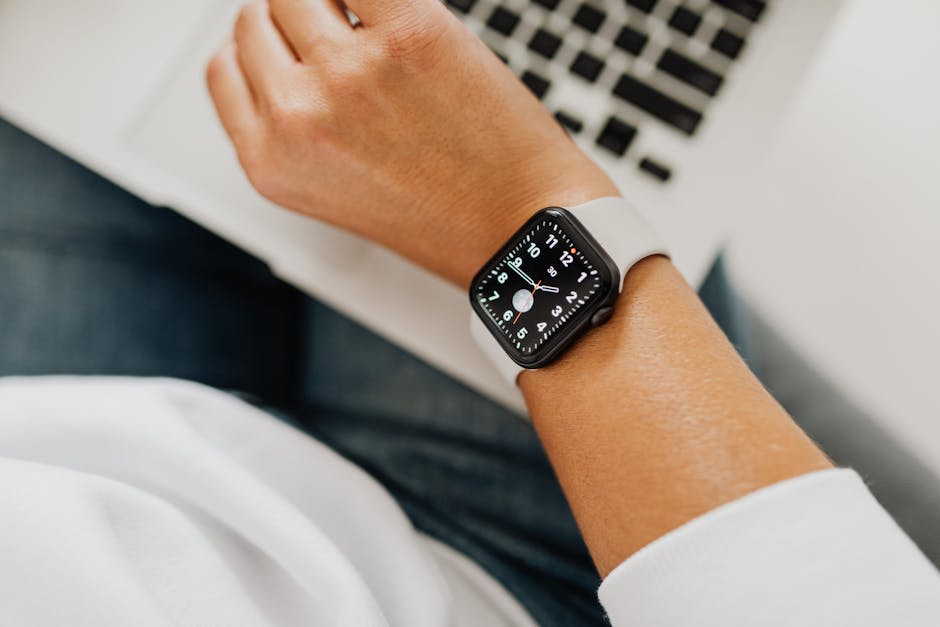
Health Monitoring Spec Comparison
| Feature | Withings ScanWatch 2 | Apple Watch Series 9 |
|---|---|---|
| Heart Rate Monitoring | Continuous optical sensor, medical-grade ECG | Continuous optical sensor, medical-grade ECG |
| Oxygen Saturation (SpO2) | Yes, spot checks and trends | Yes, spot checks and background monitoring |
| Sleep Tracking | Advanced with sleep apnea detection | Comprehensive sleep stages, but no apnea detection |
| Respiratory Rate | Yes, during sleep | Yes, during sleep |
| Blood Pressure Monitoring | Via companion cuff (not built-in) | Not available |
| ECG Accuracy | FDA cleared, clinically validated | FDA cleared, clinically validated |
| Battery Life | Up to 30 days | Up to 18 hours (daily charging) |
| Water Resistance | 5 ATM (swim-proof) | WR50 (swim-proof) |
| GPS | Connected GPS (via phone) | Built-in GPS |

Pricing Comparison
| Model | Price (USD) |
|---|---|
| Withings ScanWatch 2 | Around $300 |
| Apple Watch Series 9 | Starting at $399 |
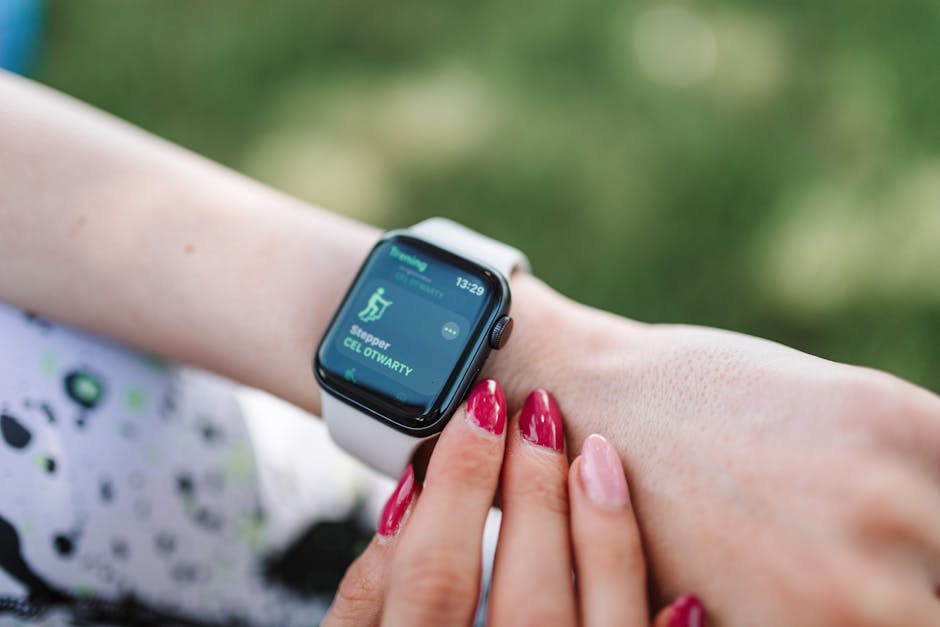
Pros and Cons
Withings ScanWatch 2
- Pros: — and I mean that Exceptional battery life, medical-grade ECG and SpO2, sleep apnea detection, traditional watch design.
- Cons: No built-in GPS, requires smartphone for GPS, limited smart features.
Apple Watch Series 9
- Pros: Built-in GPS, extensive fitness and health apps, real-time alerts, seamless iOS integration.
- Cons: Short battery life requiring daily charging, less traditional watch aesthetic.

Which One Should You Pick?
I’ve been using this in my own workflow for about a month now, and the results have been eye-opening.
My take: I’ve seen too many beginners skip this step, and it always comes back to bite them later.
Choose Withings ScanWatch 2 if:
- You prioritize clinical-grade health monitoring with validated sensors.
- You want a watch that lasts weeks on a single charge.
- You prefer a classic analog-style watch but still want smart health data.
Choose Apple Watch Series 9 if:
- You need real-time health alerts and a broad fitness ecosystem.
- You want built-in GPS for outdoor workouts without carrying a phone.
- You own an iPhone and want seamless integration with apps and notifications.
Key Tactical Tips for Maximizing Health Monitoring
1. Use ScanWatch 2’s ECG to Detect Atrial Fibrillation Early
Use the ScanWatch 2 ECG feature consistently, especially if you have risk factors for AFib. Regular recordings can help track irregularities, but always consult a physician for interpretation.
2. Leverage Apple Watch’s Real-Time Alerts for Immediate Action
Enable notifications for abnormal heart rates and irregular rhythms on the Apple Watch. These instant alerts can prompt quicker medical attention, potentially preventing complications.
3. Optimize Battery Life by Adjusting Features
- ScanWatch 2: Disable continuous heart rate monitoring if you want to extend battery life beyond 30 days.
- Apple Watch: Use Power Reserve mode or limit background app refresh to extend daily use.
4. Use Companion Apps for Deeper Insights
Both devices offer companion apps—Health Mate for ScanWatch 2 and Apple Health for Apple Watch. Regularly review your data to spot trends and share reports with healthcare providers.
Now, here’s what most people miss.
5. Combine Devices with Medical Consultations
Neither device replaces professional diagnosis. Use the data as a proactive tool and discuss findings with a healthcare professional for personalized advice.
You May Also Like
- Calm vs Headspace: Sleep Meditation Effectiveness Showdown (2024)
- How Apple Watch ECG Solves AFib Tracking at Home
- Galaxy Watch 7 vs Pixel Watch 3: Fitness (2025)
FAQ
Is the Withings ScanWatch 2 suitable for detecting sleep apnea?
Yes, it offers sleep apnea detection by analyzing breathing disturbances during sleep, based on SpO2 and movement patterns.
Can I use the Apple Watch without an iPhone?
Some features work independently on cellular models, but full health tracking and app sync require an iPhone.
How accurate are the ECG readings on these devices?
Both devices have FDA clearance and show reliable ECG accuracy, but they do not replace clinical ECG tests.
Does ScanWatch 2 have built-in GPS?
No, it uses connected GPS via your smartphone, unlike the Apple Watch which has built-in GPS.
This is informational content, not medical advice.
📌 You May Also Like
🔗 Helpful Resources