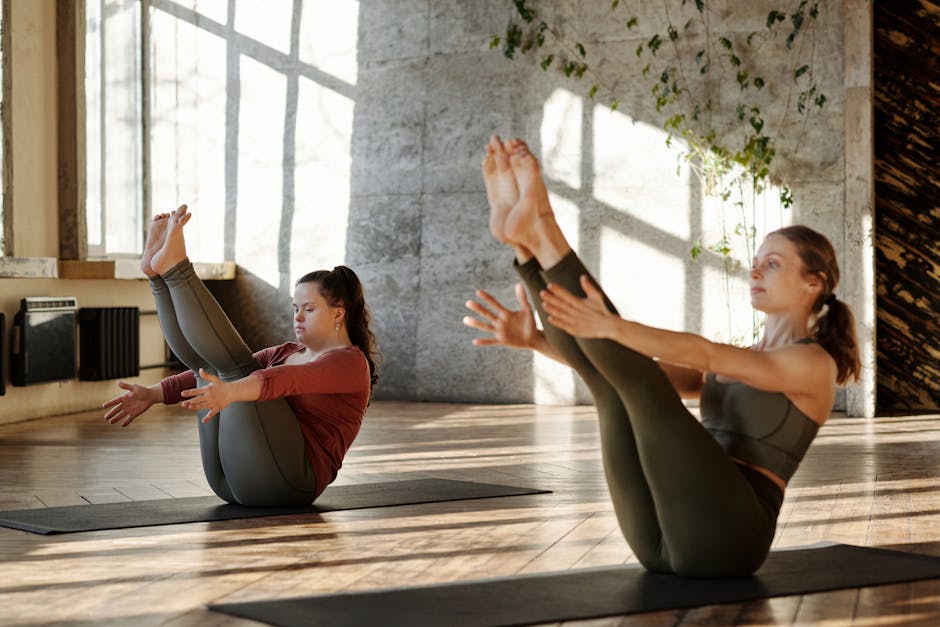
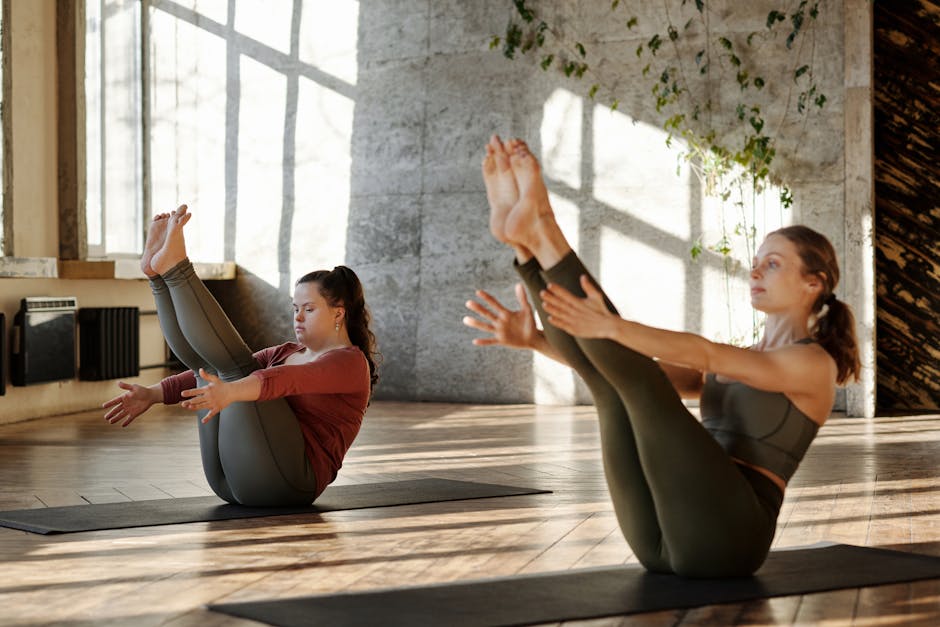
A 2022 NIH-backed review on mind-body exercise found yoga can improve balance, flexibility, stress, and physical function in beginners, but adherence often depends less on motivation and more on how approachable the program feels on day one. That is exactly why the platform matters: for a new user, the wrong class library or coaching style can turn a useful habit into an abandoned subscription.
Key Takeaways: Apple Fitness+ and Peloton both offer polished beginner yoga experiences, but they are built for different entry points. Apple Fitness+ is usually the easier fit for users already inside the Apple ecosystem who want simple onboarding, lower friction, and broad wellness integration. Peloton offers deeper class depth, stronger instructor-driven identity, and more progression options for beginners who expect to stick with yoga long term.
If you are trying to choose between Apple Fitness+ yoga classes and Peloton yoga as a complete beginner, the right answer is not just about which app has “better” workouts. It is about coaching style, class structure, equipment needs, price, device compatibility, and how much guidance you need before yoga starts feeling natural instead of intimidating.
This guide breaks down both platforms in plain English. It covers what each service is, why the differences matter for first-time users, how the classes work, what setup you need, and which beginner profile fits each option best.

Quick Verdict
For most complete beginners, Apple Fitness+ is the simpler and more approachable starting point if you already own an iPhone, iPad, or Apple Watch. Its interface is clean, its yoga catalog is easy to browse, and its overall fitness app design reduces decision fatigue.
Peloton Yoga is often the stronger pick for beginners who want a larger feeling of community, more instructor variety, and a clearer path from “I am just trying this” to “I want yoga to become part of my weekly training.” Its yoga experience can feel richer over time, even if the first setup feels slightly less streamlined.
In short:
- Choose Apple Fitness+ for ecosystem convenience, low-friction start, and integrated wellness tracking.
- Choose Peloton for broader yoga personality fit, more class identity, and stronger long-term class exploration.
What Are Apple Fitness+ Yoga and Peloton Yoga?
Apple Fitness+ is Apple’s subscription workout platform inside the Fitness app. It includes yoga alongside strength, HIIT, meditation, treadmill workouts, core, cycling, rowing, Pilates, dance, and more. Yoga is only one category, but it benefits from Apple’s broader health ecosystem, including Apple Watch metrics and Apple Health integration.
Peloton Yoga lives inside the Peloton app and is part of Peloton’s wider connected fitness platform. While many people associate Peloton with bikes and treadmills, the app also includes yoga, stretching, mobility, strength, walking, meditation, and outdoor audio content. You do not need Peloton hardware to use yoga classes in the app.
For beginners, that distinction matters. Apple Fitness+ tends to feel like a general wellness hub with yoga included. Peloton often feels like a training platform with a dedicated yoga library built around instructors, class types, and progression.

Spec Comparison for Complete Beginners
| Feature | Apple Fitness+ | Peloton App Yoga |
|---|---|---|
| Primary ecosystem | Apple devices and Apple Health | Cross-platform app ecosystem |
| Beginner friendliness | High, especially for Apple users | High, with broader class variety |
| Watch/metric integration | Excellent with Apple Watch | Limited compared with Apple Watch-native view |
| Class style | Polished, calm, guided | Instructor-led, personality-driven, broad variety |
| Class lengths | Typically short to moderate options | Very wide range, from quick sessions to longer flows |
| Offline support | Available on supported Apple devices | Available in app for some plans/features |
| Needed equipment | Usually yoga mat; blocks optional | Usually yoga mat; blocks/strap helpful for some classes |
| Water resistance relevance | Apple Watch models commonly rated 50 m water resistance, but not required for yoga | No hardware requirement for yoga classes |
| GPS relevance | Not important for yoga; Apple Watch GPS varies by model | Not important for yoga classes |
| Best fit | Apple-first beginner wanting easy setup | Beginner wanting more coaching personality and class depth |
I’d pay close attention to this section.
Pricing Comparison
| Category | Apple Fitness+ | Peloton App |
|---|---|---|
| Typical subscription model | Monthly subscription, often bundled in Apple One | App subscription tier without hardware required |
| Hardware needed | Apple device required; Apple Watch enhances experience | No Peloton hardware needed for yoga |
| Entry cost for existing users | Lower if already paying for Apple services bundle | Lower if you want only app-based fitness without Apple lock-in |
| Long-term value | Strong if you use multiple Apple workout categories | Strong if you value instructor variety and broad training library |
Prices change by region and promotional period, so check the current Apple and Peloton subscription pages before subscribing. For many users, the real cost question is not the monthly fee alone. It is whether you already own the devices that make the service feel smooth.
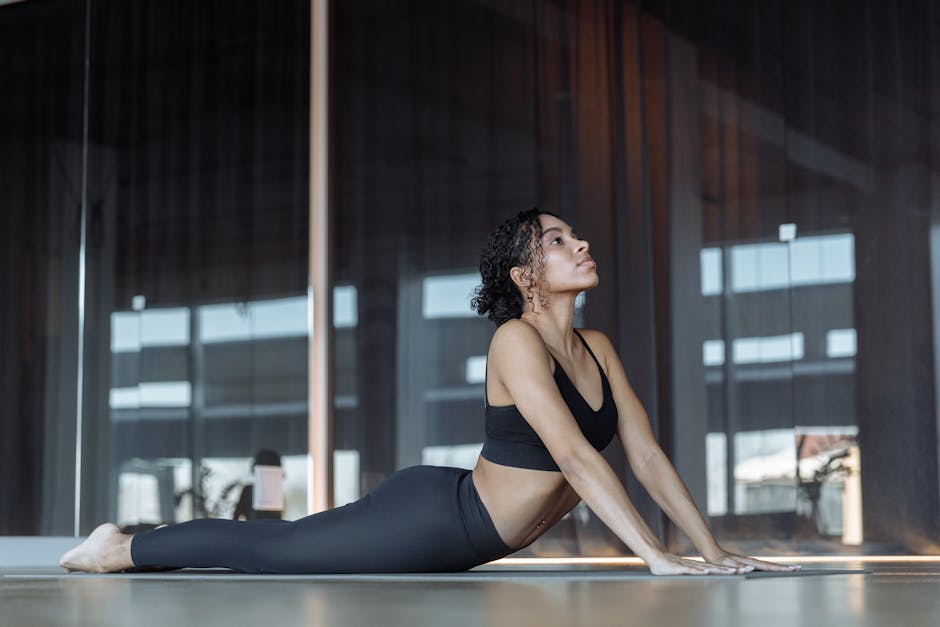
Why the Difference Matters for Beginners
Beginners usually fail at yoga for practical reasons, not philosophical ones. They cannot tell which class to pick, they feel lost with unfamiliar terms, they worry they are doing poses wrong, or they get discouraged because the pace feels either too slow or too advanced.
That is where the two platforms separate.
Apple Fitness+ reduces friction. The visual design is consistent, class tiles are straightforward, and the overall vibe is less intimidating. If you already use Apple devices, pressing play feels natural. Your heart rate and calorie data can appear on screen with Apple Watch, which gives some beginners reassuring feedback even during slower sessions.
Peloton reduces boredom and improves exploration. The instructors tend to have more distinct personalities, and the class library often feels more layered. For beginners who need a human connection or motivational style to keep showing up, Peloton can be easier to stick with over several months.
Mayo Clinic guidance on exercise adherence consistently emphasizes choosing activities that are enjoyable and practical enough to repeat. In other words, the best yoga app for a beginner is usually the one that removes excuses and keeps the first ten sessions from feeling awkward.
Stick with me here — this matters more than you’d think.
How Apple Fitness+ Yoga Works
Apple Fitness+ yoga sessions are delivered through Apple’s Fitness app and are designed to work across iPhone, iPad, and Apple TV. If paired with an Apple Watch, on-screen metrics can include heart rate and activity ring data. That does not make the yoga class more effective by itself, but it can make the experience feel more interactive.
Classes usually focus on clear instructor demos, accessible pacing, and polished production. Many sessions are organized by duration, trainer, music, and general intensity. That is helpful for beginners who do not yet know whether they prefer slow flow, strength-focused yoga, or mobility-oriented sessions.
The main beginner advantage is predictability. The environment feels controlled, clean, and low-drama. If you want yoga to slot into a broader routine with meditation, core, or cooldown work, Apple Fitness+ does that especially well.
The tradeoff is that some users may eventually want more flavor, deeper instructor-specific programming, or more obvious progression pathways. Apple Fitness+ is very polished, but some beginners outgrow its simplicity faster than they expect.
I’d pay close attention to this section.
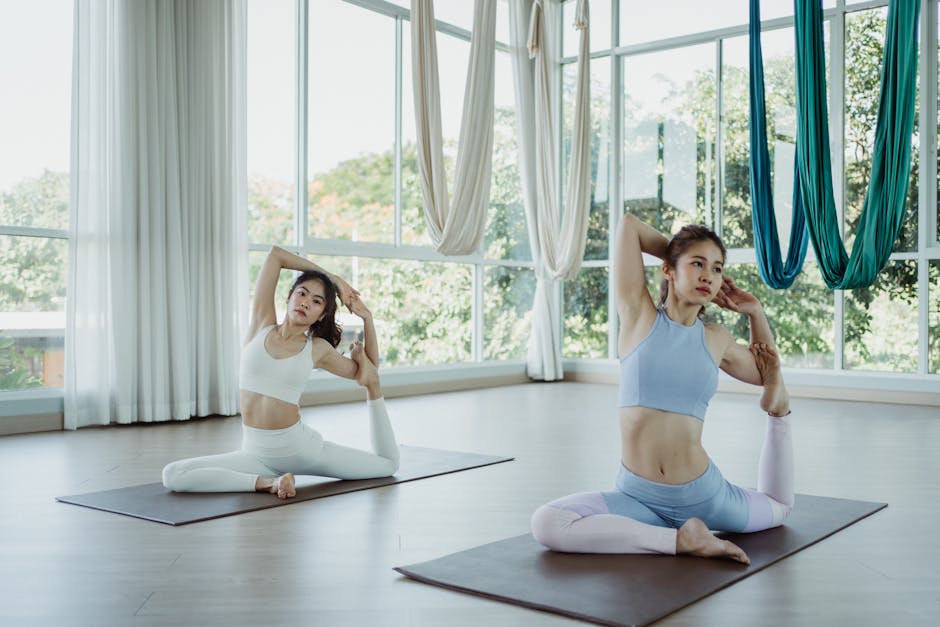
How Peloton Yoga Works
Peloton yoga classes are delivered through the Peloton app and available without Peloton hardware. This is important because many first-time users assume Peloton is only useful if they own the bike or treadmill. For yoga, that is not the case.
💡 From my testing: I’ve seen too many beginners skip this step, and it always comes back to bite them later.
The Peloton experience is more instructor-centered. That means the coach’s style, cueing, energy, pacing, and personality can significantly shape whether you connect with the class. For some beginners, that is a major advantage. A teacher whose language clicks with you can make difficult concepts feel much easier.
Peloton also tends to make browsing feel more like entering a real class ecosystem. You may see options by instructor, level, style, theme, duration, or focus area. That can be exciting, but it can also overwhelm users who just want someone to tell them where to begin.
Still, for long-term flexibility, Peloton often has the edge. Once a beginner gets through the first few weeks, the platform can feel more expandable and more motivating.
This next part is where it gets interesting.
Getting Started: Which Platform Is Easier on Day One?
For a true beginner, day-one usability matters more than advanced features. Here is what starting typically looks like on each platform.
Apple Fitness+ beginner setup
- Sign in with Apple ID on a compatible Apple device.
- Open the Fitness app and browse yoga.
- Filter by duration or trainer.
- Place a mat in a clear area.
- Use Apple Watch if available, but it is not mandatory for understanding the class.
This flow is simple, especially if you are already comfortable with Apple’s interface patterns.
Peloton beginner setup
- Download the Peloton app and create an account.
- Browse yoga classes by beginner level, duration, or instructor.
- Choose a short intro class rather than a themed power flow.
- Set up a mat, and consider yoga blocks if you have limited flexibility.
- Bookmark instructors you find easy to follow.
Peloton is still easy to start, but there are more paths to choose from. That flexibility is useful later, though not always ideal in the first 20 minutes.

Pros and Cons of Each Platform
Apple Fitness+ Pros
- Excellent Apple integration: especially useful if you already track health metrics in Apple Health.
- Low-friction design: beginner users can start quickly without learning a complicated app structure.
- Clean production: visuals and audio are polished and easy to follow.
- Strong wellness bundle value: yoga sits alongside meditation, strength, cooldowns, and mobility work.
Apple Fitness+ Cons
- Best experience depends on Apple ecosystem: non-Apple users are effectively excluded.
- Less instructor-driven personality: some users may find it less sticky over time.
- Progression can feel less explicit: beginners may need to self-direct after the first few weeks.
Peloton Yoga Pros
- Strong instructor variety: easier to find a teaching style that matches your learning preference.
- Broad library feel: more room to grow from beginner yoga into a deeper routine.
- No Peloton hardware needed: app-only users can access yoga.
- High engagement factor: many users stay motivated because instructors feel distinctive.
Peloton Yoga Cons
- Can feel busier: more options can create decision fatigue for total beginners.
- Less seamless Apple-style metric overlay: especially for users expecting tightly integrated watch feedback.
- Platform identity may feel performance-oriented: some beginners want a quieter, less branded fitness atmosphere.
Advanced Tips for Beginners Who Want Better Results
“Advanced” here does not mean complicated poses. It means smarter habits that help a new user get more value from either app.
1. Start with short sessions
A 10- to 20-minute beginner class is often better than forcing a 45-minute flow. Research on exercise adherence suggests consistency beats intensity early on.
2. Use props even if the class says optional
Yoga blocks, a folded towel, or a strap can improve comfort and technique. Many beginners think props mean they are doing yoga “wrong,” but they usually make alignment safer and more accessible.
3. Repeat the same class or instructor
Novelty is overrated in week one. Repetition helps you learn common cues like fold, hinge, neutral spine, and downward dog without cognitive overload.
4. Pair yoga with another recovery habit
Apple Fitness+ users may combine yoga with meditation or cooldown sessions. Peloton users may pair yoga with stretching or mobility classes. This makes the app feel more useful beyond one workout type.
5. Ignore calorie obsession
For beginners, yoga’s value is not just calorie burn. NIH research frequently links mind-body exercise to flexibility, stress reduction, sleep quality, and functional movement, which are harder to see in a single metric.
Common Pitfalls Beginners Should Avoid
Pitfall 1: Picking classes by music or branding instead of level. A visually appealing class title can hide a pace that is too fast for a first session.
Pitfall 2: Treating soreness as proof of quality. Good beginner yoga should improve body awareness, not leave you guessing whether your wrist pain is normal. If discomfort feels sharp or unusual, stop.
Pitfall 3: Assuming smartwatch data equals technique feedback. Apple Watch metrics can be motivating, but they do not tell you if your alignment is safe. Good cueing matters more than on-screen numbers.
Pitfall 4: Starting with daily commitments that are too ambitious. Three short sessions a week is often better than declaring a seven-day streak and quitting after four days.
Pitfall 5: Ignoring device fit. If you dislike being locked into Apple hardware, Apple Fitness+ may eventually frustrate you. If you dislike browsing lots of instructor options, Peloton may feel noisy.
Which One Should You Pick?
Pick Apple Fitness+ if:
- You already own an iPhone, iPad, Apple TV, or Apple Watch.
- You want the easiest possible beginner experience.
- You prefer a calm, clean, highly polished interface.
- You want yoga inside a broader wellness ecosystem.
Pick Peloton Yoga if:
Now, here’s what most people miss.
- You want more instructor choice and stronger coaching personality.
- You expect yoga to become a regular part of your routine.
- You want a flexible app-based option without needing Peloton hardware.
- You enjoy exploring different class styles once you get comfortable.
From a beginner value perspective, Apple Fitness+ wins on simplicity, while Peloton wins on depth. If you are unsure whether yoga will stick, Apple Fitness+ is usually the lower-friction on-ramp. If you already know you learn best from charismatic coaching and class variety, Peloton may be the smarter long-term buy.
Consumer testing outlets such as Wirecutter and PCMag often evaluate fitness platforms through ease of use, ecosystem fit, class library depth, and subscription value. Those are exactly the criteria beginners should prioritize here. Neither app is universally better; each is better for a different kind of new user.
You May Also Like
- Does Peloton App Help with Bodyweight Training?
- How Garmin Body Battery Solves Daily Energy Dips
- Does Fitbit Sleep Profile Explain Your Sleep Animal?
FAQ
Is Apple Fitness+ or Peloton better for someone who has never done yoga?
Apple Fitness+ is usually easier for the absolute beginner who wants a simple interface and clear entry point. Peloton may be better for beginners who want more instructor variety and expect to stay with yoga longer.
Do I need an Apple Watch for Apple Fitness+ yoga?
No, but it improves the experience if you like seeing heart rate and activity data. The classes themselves can still be useful without deep metric tracking.
Do I need a Peloton bike or treadmill to use Peloton yoga?
No. Peloton yoga is available through the Peloton app, and no bike or treadmill is required for app-based yoga sessions.
Which platform has better beginner instruction cues?
That depends on your learning style. Apple Fitness+ tends to feel more standardized and straightforward. Peloton often offers more variation, which can be great if you find an instructor whose cues make sense to you.
Are either of these apps enough to improve flexibility?
They can help, especially if used consistently. Improvement depends on frequency, class selection, recovery, and your starting mobility level. Short, repeatable sessions are often more effective than occasional long classes.
Can yoga apps replace in-person instruction?
For many beginners, they are a practical starting point. But if you have pain, injury history, mobility limitations, or concern about form, in-person coaching may provide more tailored feedback.
Is yoga good for weight loss on its own?
Yoga may support weight management through consistency, stress reduction, mobility, and overall activity habits, but it is not usually the most efficient standalone calorie-burning strategy. It often works best as part of a broader exercise and nutrition plan.
This is informational content, not medical advice.
Sources referenced: Mayo Clinic exercise and wellness guidance; NIH and PubMed research on yoga, adherence, flexibility, and stress; consumer product analysis frameworks from Wirecutter and PCMag; current vendor product pages for platform availability and subscription context.
📌 You May Also Like