

Surprising Fact About Heart Arrhythmias and Wearables
According to the American Heart Association, atrial fibrillation affects over 2.7 million Americans and is a leading cause of stroke. Early detection can be life-saving, and Apple Watch’s ECG feature aims to provide just that. However, many users struggle with setting up and interpreting these alerts correctly.
Key Takeaways:
- Apple Watch ECG requires precise setup to reliably detect irregular rhythms.
- Misconceptions about ECG alerts can cause unnecessary anxiety or missed warnings.
- FDA clearance supports ECG use, but it’s not a replacement for professional diagnosis.
Myth 1: The Apple Watch ECG Works Automatically Without Setup
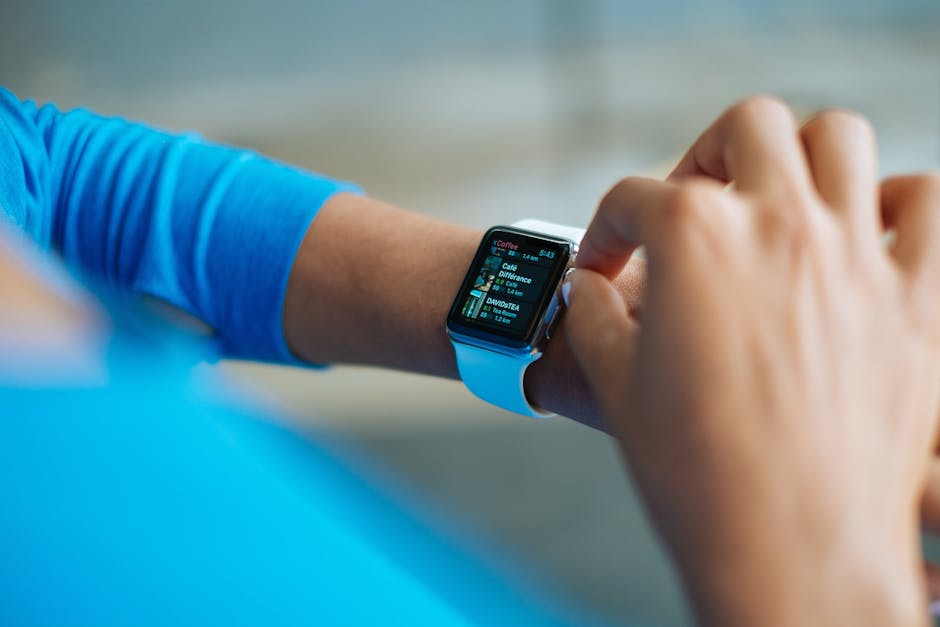
Many users assume that simply wearing the Apple Watch enables continuous ECG monitoring. This misconception stems from marketing that highlights the watch’s health features as always-on.
The truth: Apple Watch requires manual setup of the ECG app and activation of irregular rhythm notifications in the Health app. The ECG itself is a single-lead reading performed on demand, while irregular rhythm alerts run intermittently in the background using photoplethysmography (PPG) sensors.
Myth 2: Apple Watch ECG Can Detect All Types of Arrhythmias
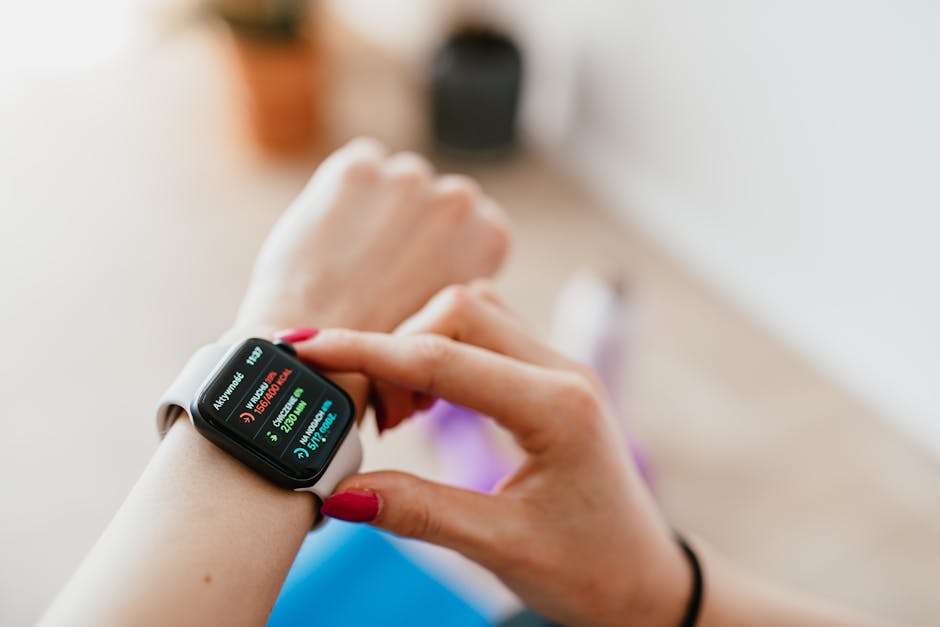
It is widely believed that the Apple Watch ECG can identify any irregular heartbeat, including all arrhythmias like ventricular tachycardia or bradycardia.
Reality check: The Apple Watch ECG is FDA-cleared specifically for detecting atrial fibrillation (AFib). It cannot reliably detect other arrhythmias or heart conditions. Studies (JAMA Cardiology, 2019) confirm the watch is most accurate for AFib detection but has limitations beyond that scope.

Myth 3: You Don’t Need to Calibrate or Update Your Apple Watch for ECG Accuracy
Some users think the ECG feature works perfectly out of the box without updates or calibration, assuming hardware alone guarantees accuracy.
The evidence: Software updates improve ECG algorithm accuracy and introduce new features. Also, correct positioning on the wrist and skin contact are essential for reliable readings. Apple regularly updates watchOS to enhance ECG accuracy, so keeping software current is critical.
Okay, this one might surprise you.

Myth 4: ECG Alerts Replace Regular Doctor Visits
There’s a misconception that Apple Watch ECG and irregular rhythm notifications can replace traditional medical evaluations.
Medical consensus: The Apple Watch is a screening tool, not a diagnostic device. Mayo Clinic and NIH emphasize that any abnormal findings should prompt a professional evaluation. False positives and false negatives can occur, so healthcare provider consultation is indispensable.
Myth 5: Irregular Rhythm Notifications Are Always Accurate
Users often trust every irregular rhythm alert as an accurate sign of AFib or other heart issues.
Scientific findings: While the Apple Watch uses PPG sensors to scan for irregular rhythms intermittently, this method can generate false positives due to motion artifacts or poor sensor contact (PCMag, 2021). Confirmatory ECG readings and clinical correlation are necessary.
This next part is where it gets interesting.
How to Properly Set Up Apple Watch ECG for Irregular Heart Rhythm Alerts
To maximize accuracy and usefulness of Apple Watch ECG alerts, follow these evidence-based steps:
- Update watchOS: Ensure your Apple Watch and paired iPhone have the latest software.
- Open the Health app: On your iPhone, navigate to Health > Heart > Irregular Rhythm Notifications.
- Enable notifications: Turn on Irregular Rhythm Notifications to allow background monitoring.
- Set up the ECG app: Open the ECG app on your watch and follow the prompts to complete setup.
- Perform your first ECG: Rest your arm on a table, place your finger on the Digital Crown, and hold for 30 seconds to record the ECG.
- Review results: The watch classifies readings as sinus rhythm, AFib, low or high heart rate, or inconclusive.
- Log symptoms: Use the ECG app to record any symptoms like palpitations or dizziness alongside the ECG.
What Actually Works: Best Practices for Using Apple Watch ECG
- Use ECG readings as a supplemental screening tool, not a diagnostic substitute.
- Consult your healthcare provider if you receive irregular rhythm notifications or abnormal ECG results.
- Maintain regular watchOS updates for improved algorithms and features.
- Ensure proper watch fit and skin contact during ECG measurements.
- Understand the feature’s limitations and avoid over-reliance on alerts.
You May Also Like
- How Apple Watch Fall Detection Protects Elderly Parents Living Alone
- Fitbit Charge 6 vs Garmin Vivosmart 5: Budget Fitness Tracker Battle (2024)
- How Strava Segment Leaderboards Drive Local Cycling Competition
FAQ
Can Apple Watch ECG detect a heart attack?
No. Apple Watch ECG is designed to detect atrial fibrillation and cannot identify heart attacks or other heart conditions.
How often should I perform ECG checks on my Apple Watch?
There’s no set frequency. Perform ECG checks when you experience symptoms or as recommended by your healthcare provider.
Are irregular rhythm notifications available worldwide?
Irregular rhythm notifications depend on regulatory approval and are available in select countries. Check Apple’s official website for availability.
What should I do if I get an irregular rhythm alert?
Contact a healthcare professional promptly for a thorough evaluation and further testing.
This is informational content, not medical advice.
📌 You May Also Like
🔍 Explore More Topics
🔗 Helpful Resources