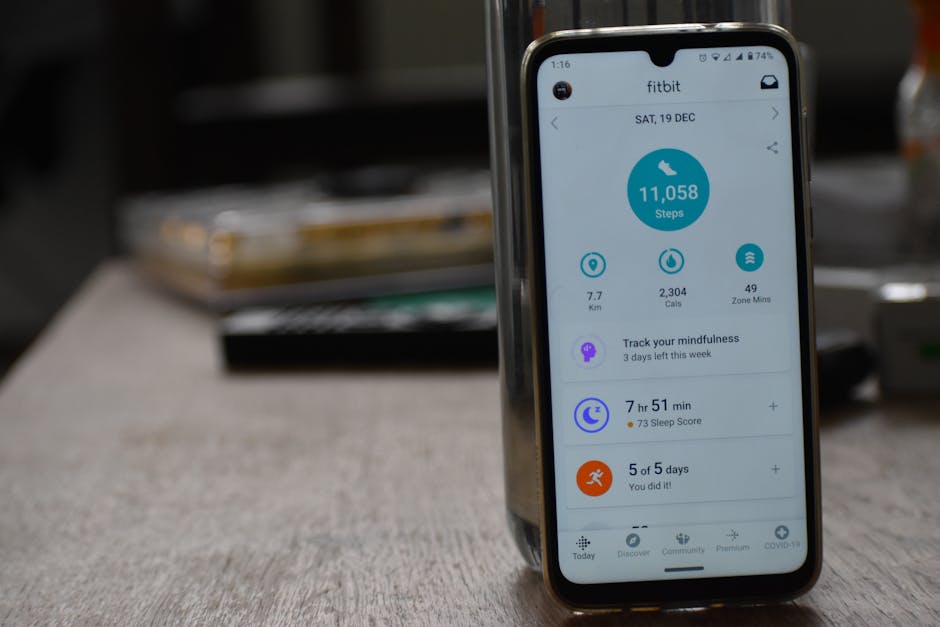

A 2022 NIH-backed review on digital exercise interventions found that app-guided home training can improve physical activity adherence, especially when the program lowers friction and makes workouts easier to start. That matters because the biggest barrier for many people is not motivation alone—it is complexity, equipment, and time.
Key Takeaways: Peloton App offers broader class variety, stronger progression for cardio and bootcamp-style training, and more flexibility across devices. Apple Fitness+ stands out for cleaner integration with the Apple Watch, simpler navigation, and a more polished experience for users already deep in the Apple ecosystem. For home workouts without equipment, the better pick depends less on “more classes” and more on how much structure, device integration, and coaching style you want.

Quick Verdict
If your goal is home workouts without equipment, both platforms are credible options, but they solve slightly different problems. Peloton App is often the stronger choice for users who want a bigger mix of HIIT, bodyweight strength, walking, stretching, and bootcamp-style sessions across many devices.
Apple Fitness+ is typically the better fit for people who already use an Apple Watch and want a tightly integrated, low-friction workout experience with on-screen metrics, guided programs, and a calmer interface. Neither service requires dumbbells, a bike, or a treadmill to get started, but their value shifts based on your hardware and training preferences.

Spec Comparison
| Feature | Peloton App | Apple Fitness+ |
|---|---|---|
| Primary use case | Multi-format digital fitness platform with strong cardio and class variety | Apple ecosystem workout service with deep watch integration |
| No-equipment workout support | Yes; bodyweight strength, HIIT, yoga, stretching, walking, meditation | Yes; HIIT, strength, core, yoga, pilates, dance, kickboxing, meditation |
| Required hardware | Phone, tablet, TV, or web-supported device | iPhone required; Apple Watch strongly integrated and often central to the experience |
| Wearable integration | Supports heart-rate pairing on some devices, but ecosystem is less seamless | Best with Apple Watch; heart rate, calories, and rings appear live on screen |
| Offline downloads | Available on mobile app for select content workflows | Available for downloaded workouts on Apple devices |
| Coach style | High-energy, motivational, performance-forward | Measured, polished, approachable, metrics-aware |
| Programs/collections | Structured programs, challenges, stacked classes | Collections, plans, and guided programs tied to goals |
| Music integration | Strong music-led branding and themed classes | Strong but more interface-driven than culture-driven |
Unlike hardware reviews, this comparison is less about GPS accuracy or water resistance because these are subscription workout platforms, not dedicated wearables. Still, device integration matters. Apple Fitness+ gains an edge because it can use Apple Watch data in real time, while Peloton’s app-first model is broader but less tightly unified.

Pricing Comparison
Pricing changes over time, so users should verify the latest rates on official product pages before subscribing. Based on widely published plan structures in recent coverage from outlets such as PCMag and product listings from Apple and Peloton, the comparison usually looks like this:
| Pricing Factor | Peloton App | Apple Fitness+ |
|---|---|---|
| Typical entry price | Often a lower-cost app tier exists, with premium access priced separately depending on plan | Single subscription tier, generally positioned as a mid-range fitness subscription |
| Free trial availability | Frequently offered in promotional windows | Often bundled with new Apple device purchases or trial periods |
| Family sharing value | Depends on plan rules and account structure | Often attractive for households using Apple One or Family Sharing |
| Best value case | Users wanting broad training styles without committing to Apple hardware | Users already paying into Apple services and using Apple Watch daily |
In pure subscription math, Apple Fitness+ can look more cost-effective if it is bundled with other Apple services. Peloton App can deliver stronger value when class breadth matters more than ecosystem perks.

What You Actually Get for Equipment-Free Workouts
For beginners and busy adults, no-equipment training only works if the platform helps them answer a simple daily question: what should I do today? Both apps do this, but in different ways.
Peloton App tends to feel like a large digital fitness library with a strong coaching personality. Users can move from a 10-minute core session to a walking workout, then stack stretching or meditation afterward. That flexibility is useful if your schedule changes day to day.
Apple Fitness+ feels more curated. The interface is cleaner, workouts are categorized well, and the visual prompts are especially helpful for people who do not want to browse endlessly. For users overwhelmed by too much choice, this can be a genuine advantage.
Where Peloton App stands out
- Greater class variety across bodyweight strength, walking, outdoor audio, yoga, stretching, and bootcamp formats
- More energetic coaching style for users who respond to momentum and motivation
- Flexible device access beyond one hardware ecosystem
- Strong workout stacking for building a full no-equipment routine from short sessions
Where Apple Fitness+ stands out
- Apple Watch integration that reduces friction and surfaces useful live metrics
- Cleaner user experience with polished visuals and simpler navigation
- Approachable session design for beginners who want a less intense vibe
- Strong family and ecosystem value for Apple-heavy households

Pros and Cons
Peloton App Pros
- Broad content library for bodyweight training and general fitness
- Excellent for mixing short sessions into a personalized routine
- High-energy instructors can increase engagement and adherence
- Works well even if you do not own Apple devices
Peloton App Cons
- Can feel overwhelming if you prefer a tighter, simpler interface
- Best-known brand identity still leans partly on equipment culture
- Wearable data integration is not as seamless as Apple’s approach
Apple Fitness+ Pros
- Among the best fitness subscriptions for Apple Watch users
- Live metrics create a clearer feedback loop during workouts
- Interface is polished and beginner-friendly
- Strong guided experience for consistency and habit-building
Apple Fitness+ Cons
- Best experience depends heavily on Apple hardware ownership
- Less appealing if you want a platform-agnostic subscription
- May feel slightly narrower in training culture and class personality than Peloton
How the Coaching Experience Changes Results
Research from the Mayo Clinic and behavioral exercise studies consistently points to adherence as one of the most important variables in fitness outcomes. In practical terms, the best app is often not the one with the most features, but the one you will actually open four times a week.
Peloton App’s instructors often lean into motivational cues, pacing language, and music-forward energy. That can be helpful for users who struggle to self-start. It creates the feeling of being pulled through a workout rather than managing it alone.
Apple Fitness+ tends to use a more measured presentation. The environment looks calmer, transitions are smoother, and the Apple Watch metrics provide subtle accountability. For users who dislike performance-heavy fitness culture, that may improve consistency.
Wirecutter and PCMag reviews of digital fitness services have repeatedly emphasized that platform fit matters more than raw class count. A giant content library sounds valuable, but if discovery is poor or the vibe feels wrong, engagement drops quickly.
Which One Should You Pick?
Choose Peloton App if: you want more workout variety, enjoy energetic coaching, prefer mixing short bodyweight sessions, and do not want your subscription tied too closely to one hardware ecosystem. It is especially strong for users building a flexible home routine with HIIT, walking, strength, and stretching.
Choose Apple Fitness+ if: you already wear an Apple Watch, want a simpler and more polished no-equipment workout flow, and prefer a guided system that reduces browsing fatigue. It is also a better fit for users who value data visibility but do not want to manage third-party syncing.
Pick based on your friction point: if your problem is boredom, Peloton App usually wins. If your problem is complexity, Apple Fitness+ often has the edge.
For households, Apple Fitness+ may offer stronger shared value when multiple family members already use Apple devices. For mixed-device homes or users outside the Apple ecosystem, Peloton App is generally the safer long-term pick.
What the Research Suggests About Home Workout Apps
Digital coaching is not magic, but it can reduce decision fatigue, which is one of the biggest hidden barriers to exercise adherence. NIH-supported research on digital physical activity interventions suggests that convenience, reminders, and guided programming can help users sustain activity more effectively than relying on self-directed plans alone.
That does not mean one app is universally better. It means the best home workout app without equipment is the one that removes your specific obstacle—lack of structure, poor motivation, platform friction, or limited time.
There is also a useful consumer-tech angle here: a smoother product experience can improve behavioral follow-through. That is why Apple Fitness+ performs so well for Apple Watch users, and why Peloton App remains compelling despite stronger competition in subscription fitness. Each platform lowers friction, but for different types of users.
FAQ
Is Peloton App better than Apple Fitness+ for beginners?
Not automatically. Apple Fitness+ is often easier for beginners who want a clean interface and guided experience, while Peloton App may suit beginners who need more class variety and stronger motivational energy.
Do you need equipment for Peloton App or Apple Fitness+?
No. Both platforms include a substantial range of bodyweight workouts, including core, yoga, stretching, HIIT, and strength sessions that can be done without equipment.
Does Apple Fitness+ require an Apple Watch?
The service is most compelling with an Apple Watch because live metrics are a core differentiator. While compatibility rules can change, the overall value proposition is clearly strongest for Apple Watch users.
Which app is better for weight loss at home?
Neither app guarantees weight loss. Both can support calorie-burning and habit consistency, but results depend on workout frequency, nutrition, sleep, and overall health status. A sustainable routine matters more than the platform brand.
Sources referenced: Mayo Clinic guidance on exercise adherence and home activity, NIH/NCBI research on digital physical activity interventions, consumer reviews and product analysis from Wirecutter and PCMag, plus official Apple and Peloton product information for service positioning and current feature sets.
This is informational content, not medical advice.
📌 You May Also Like